Shop Pay UK: Fast Checkout, Instalments and Safety
Shop Pay UK can speed up checkout, but instalments are credit. Use this practical guide to pay faster, safer and with fewer surprises.
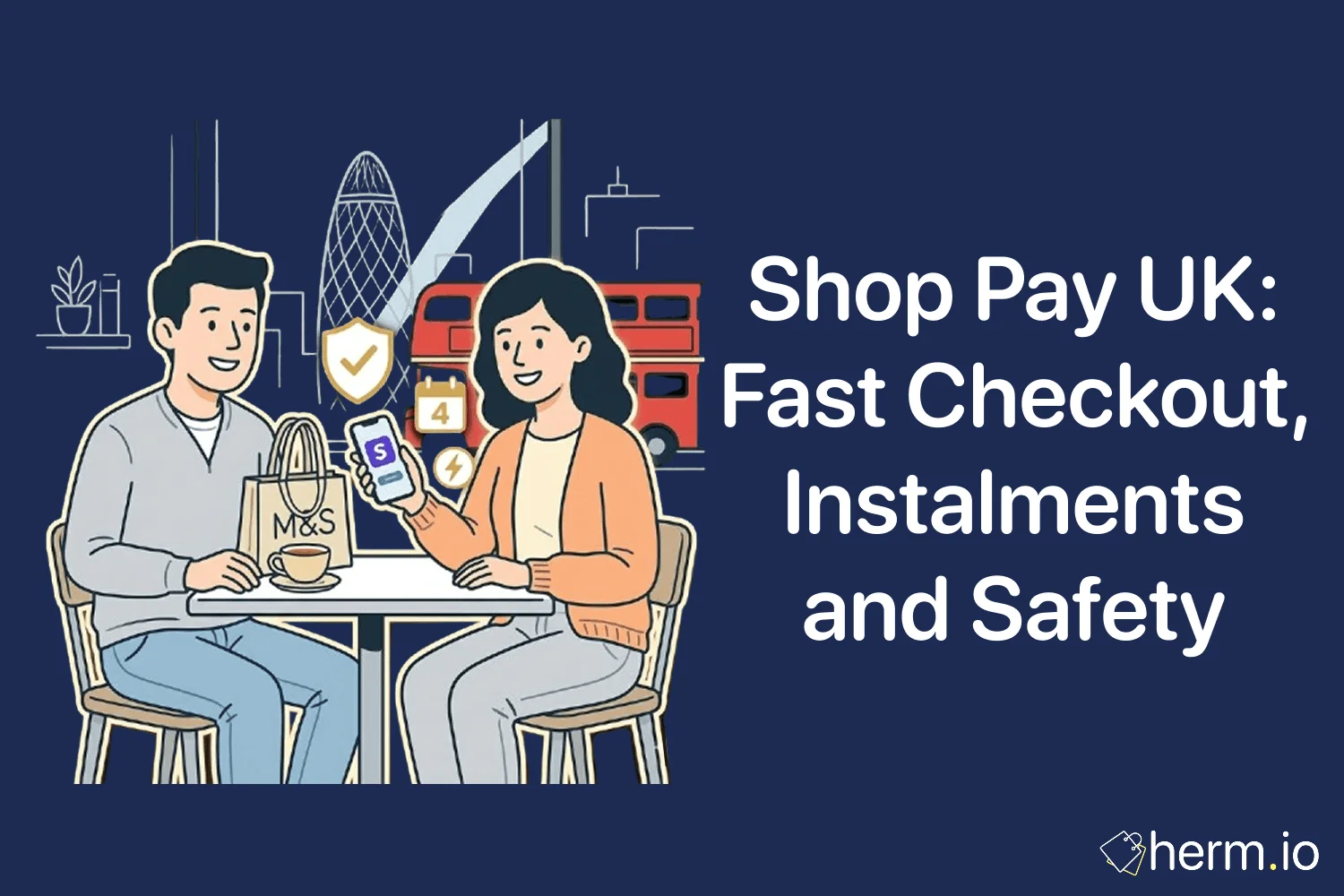
Shop Pay UK is convenient, but convenience is never the whole security story. The purple button can save you from typing your delivery address and card details again, yet the same checkout can also offer Shop Pay Installments, which is credit rather than a simple payment shortcut.
From a security perspective, the useful question is not just “does it work?” It is “what data is being saved, who is handling the payment, and what happens if I choose to spread the cost?”
Quick Wins: Pay Safer Today
Separate speed from credit
Use Shop Pay for faster checkout, but treat Shop Pay Installments as borrowing that needs a budget check.
Check the retailer first
A secure payment button does not prove the retailer is reliable, so review delivery, returns and contact details before paying.
Protect the code
Never share a Shop Pay verification code by text, phone, WhatsApp or email, even if the message sounds urgent.
Read the repayment screen
Before choosing instalments, check the total repayable amount, payment dates, APR and what happens if a payment fails.
What Shop Pay UK Actually Does
Shop Pay is Shopify’s accelerated checkout. In plain English, it can save your email address, mobile number, delivery address, billing details and payment method so you can complete future purchases faster at participating retailers.
You will usually spot it as a purple Shop Pay button on a retailer’s product page, basket or checkout. It often appears on independent ecommerce sites built with Shopify, including fashion, beauty, homeware, pet and lifestyle retailers.
The important distinction is this: standard Shop Pay is a fast way to pay, not automatically a buy now, pay later service. Shop Pay Installments is the separate pay-over-time option that may appear when a retailer and shopper are eligible.
Shopify’s own help pages describe Shop Pay as a checkout that stores delivery and billing details on Shopify’s PCI-compliant servers, then shares them with the retailer only when an order is placed. You can read the official explanation in the Shopify Help Centre.
How Shop Pay Works at Checkout
Shop Pay works like a saved checkout layer. It reduces repeated form-filling, then uses verification when it needs to confirm that the person checking out is really you.
That is helpful on a mobile screen. It is also why you should treat your Shop Pay account like any other payment-related account: keep your phone secure, avoid shared devices for purchases, and check details before confirming.
First Purchase: Saving Your Details
The first time you use Shop Pay, you add your usual checkout information. That normally means your email, mobile number, delivery address and payment details.
After you complete the order, Shop Pay can remember those details for next time. You should still check the delivery address carefully, especially if you have recently moved, used a work address, or sent a gift to someone else.
A common mistake is assuming saved checkout means the order has been reviewed properly. It has not. You still need to check the retailer, item, size, delivery option and returns policy before pressing pay.
Future Purchases: Verification Codes
On future purchases, Shop Pay may send a verification code by SMS or email. This code confirms that you can access the phone number or email linked to the account.
Defence in depth means treating that code as private. If someone asks you to read it out, forward it, or type it into a link they sent, stop immediately.
An unexpected code does not always mean fraud. Someone may have mistyped their number. Still, it is worth checking your bank account and Shop account if you receive codes you did not request.
Shop Pay Installments in the UK: Useful, but Still Credit
Shop Pay Installments is the part that lets eligible shoppers spread payments. In the UK, it is offered through Affirm, and the official Shop Help pages say eligible UK purchases can be between £50 and £30,000, including shipping and taxes.
This is where the risk profile changes. Paying in full with Shop Pay is a checkout decision. Choosing Shop Pay Installments is a borrowing decision.
Instalments are not a discount
Shop Pay Installments can make a larger purchase feel smaller because the payment is split up. The item has not become cheaper; you have taken on a repayment schedule that needs to fit your real monthly budget.
The UK Eligibility Rules to Check
The official eligibility page says UK shoppers need a Shop Pay account, a UK billing address, GBP checkout and an order value between £50 and £30,000. It also says UK shoppers can use debit cards only for Shop Pay Installments, and final approval is decided by Affirm on a case-by-case basis.
Some purchases do not qualify. Gift cards, subscription orders, business-to-business transactions and multi-retailer baskets are among the exclusions listed by Shop.
For the full current criteria, check Shop Pay Installments eligibility and requirements before relying on instalments for a purchase.
The Cost Questions That Matter
Some instalment plans may be interest-free, while others can include interest. Shopify’s UK Shop Pay Installments page says interest-bearing payments can range from 0% to 36% APR, and gives a representative example of a £900 purchase costing £75 per month over 12 months at 22% representative APR.
Before accepting any plan, ask four questions:
- What is the total I will repay?
- Which dates will payments leave my account?
- Is there a deposit today?
- What happens if I miss or delay a payment?
If the answer is not clear on the checkout screen, do not rely on a guess. A vague repayment plan is a weak payment system.
Shop Pay vs PayPal, Klarna and Clearpay
Shop Pay is often grouped with PayPal, Klarna and Clearpay, but they are not the same tool. The safest choice depends on whether you want speed, buyer familiarity, or a credit option.
How common UK checkout options differ
| Feature | Shop Pay | PayPal | Klarna or Clearpay |
|---|---|---|---|
| Main role | Fast checkout on participating Shopify retailers | Digital wallet and checkout account | Buy now, pay later provider |
| Pay in full | Yes, this is the standard use | Yes, usually from PayPal balance, card or bank | Sometimes, depending on retailer setup |
| Spread the cost | Only through Shop Pay Installments where offered | May offer PayPal Pay in 3 or credit products | Core feature of the service |
| Retailer coverage | Strong on Shopify-powered retailers | Broad across many UK websites | Broad but varies by retailer |
| Security focus | Saved checkout plus verification codes | Wallet-style payment without sharing card details with each retailer | Repayment plan plus eligibility checks |
Use Shop Pay when you trust the retailer and want a quicker checkout. Use a wallet such as PayPal if you prefer that account layer and the retailer accepts it. Treat Klarna, Clearpay and Shop Pay Installments as credit decisions, not just payment buttons.
The cleanest rule is simple: if it delays payment, slow down. A few extra minutes of checking is cheaper than months of awkward repayments.
Where Shop Pay Is Useful, and Where It Is Not
Shop Pay is useful when you are buying from a retailer you already trust, using your own device, and paying in full from money you already have. It can make repeat purchases smoother, especially on mobile.
It is less useful when the retailer is unfamiliar, the deal looks suspiciously cheap, or the checkout is pushing you to buy quickly. A fast checkout can compress the thinking time that normally protects you from a poor purchase.
Shop Pay can also be helpful for order tracking through the Shop app, but do not confuse tracking with seller accountability. If a parcel is missing, damaged or wrong, the retailer remains your first point of contact.
Build a 30-second checkout pause
Before using a saved checkout, pause and check the retailer name, delivery address, final price, return window and payment method. That tiny delay catches many avoidable errors.
Refunds, Returns and Missing Orders
Returns still start with the retailer. Shop Pay may have handled the checkout, but the retailer sold the goods and controls its own returns process.
If you paid in full, the refund normally goes back to the original payment method after the retailer processes it. If you used Shop Pay Installments, the official Shop Help pages say you should still contact the retailer for refunds or cancellations, and any refund is usually applied first to the remaining instalment balance.
Do not assume returning an item immediately pauses repayments. Keep paying anything due until the refund has been processed and your plan updates, then check the balance again.
For missing or disputed orders, keep evidence. Save order confirmations, tracking screenshots, return postage receipts and all customer service messages. A tidy evidence trail is digital armour when a case has to be escalated.
Security Habits Before You Press Pay
A secure checkout button is only one part of safe online shopping. The full threat model includes the retailer, the device, the payment method, the delivery address and the person trying to rush the purchase.
Before using Shop Pay UK, run this short check:
- Does the retailer show clear contact details?
- Is the returns policy easy to find?
- Does the price look realistic?
- Are the product photos and descriptions consistent?
- Is the URL spelled correctly?
- Are you using your own device and private network?
- Is the saved delivery address current?
- Are you paying in full, or taking credit?
If anything feels off, switch from buying mode to verification mode. Search the retailer name with terms such as “reviews”, “returns”, “scam” or “Trustpilot”, then decide.
Managing or Opting Out of Shop Pay
You can manage Shop Pay through your Shop account or the Shop app. That may include saved addresses, payment details and order information, depending on your setup.
If you no longer want saved checkout, Shop Help says you can use the Shop Pay opt-out form. There is one important limitation: if you have active Shop Pay Installments, you need to finish paying them before opting out.
This is a sensible boundary. Removing the checkout account should not make an active loan disappear, and it should not be used to avoid repayment reminders.
Opting out can be a smart move if saved checkout makes impulse spending too easy. Security is not only about fraud; it is also about building payment habits that protect your budget.
Frequently Asked Questions
No. Standard Shop Pay is mainly a faster checkout method for paying in full. Shop Pay Installments is the separate credit option, offered through Affirm where available.
The official Shop Help guidance says debit cards are the only supported payment method for Shop Pay Installments in the UK. Check the live checkout screen before relying on any payment option.
Do not share the code or enter it into a link sent by someone else. Check your payment accounts for anything unfamiliar, then review your Shop account if you have one.
The FCA says it will start regulating Deferred Payment Credit, often known as BNPL, from 15 July 2026. That means lenders will need to follow rules on affordability, information before borrowing, support for missed payments and complaint routes.
The Bottom Line on Shop Pay UK
Shop Pay UK is worth using when the retailer is legitimate, the delivery details are correct, and you are paying from money you already have. In that setup, it is a neat checkout shortcut rather than a financial strategy.
Shop Pay Installments needs a more cautious approach. It can spread the cost, but it is still credit, and the repayment plan matters more than the smaller number shown at checkout.
Verify the retailer, protect your verification codes, read the repayment screen and keep your order records. That is how you get the convenience without letting the convenience make the decision for you.

Written by
Oliver James Whitmore
Contributor
I'm a security expert specializing in privacy, systems architecture, and cybersecurity. With experience across startups and large enterprises, I build resilient, user-centric security systems.
More from OliverRelated Articles
One4all Gift Card Online: Spend It Safely
Use a One4all gift card online safely: find UK retailers, check your balance, avoid declined payments and protect card details.
Cashback Subscription Trap: Spot Checkout Red Flags
Spot a cashback subscription trap after checkout, recognise Complete Savings charges, and stop hidden online shopping fees fast.
Complete Savings Legit? Cancel the Charge Safely
Complete Savings legit? Learn what the £18 charge means, how to cancel safely, and how to ask for a refund without paying a third party.